Full
Stack App
OAuth
Google + Email Auth
REST
Django API
Live
on Vercel + Render
About the project
What is Novella?
Novella started as a simple question: why is tracking what you read still so clunky? Goodreads is social when you just want something personal. Notion is too manual. Novella is the middle ground — a focused, private reading companion.
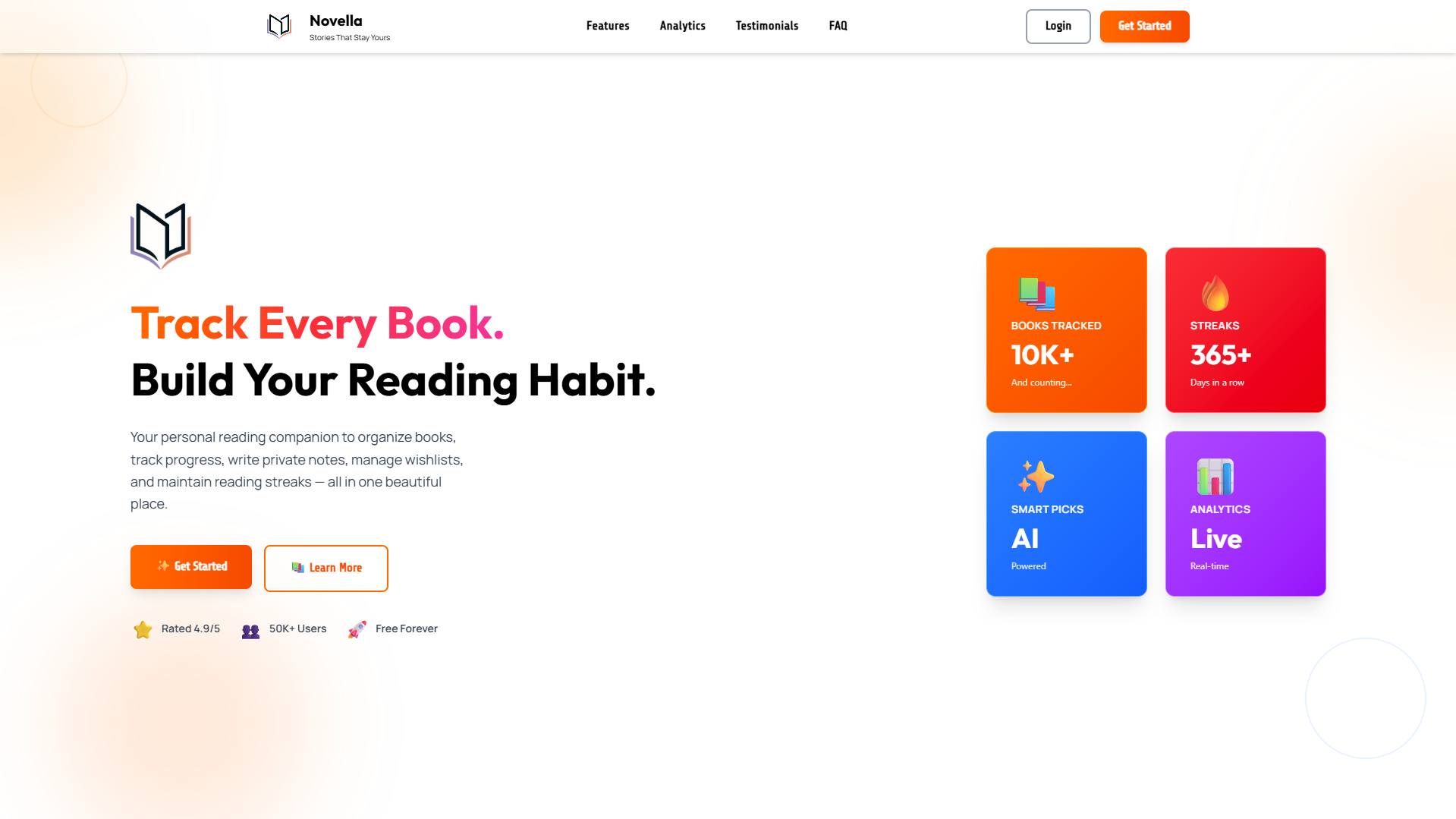
The app lets you manage a full book library with cover images, track reading status, write per-book notes, and save vocabulary words you encounter along the way. Reading stats and streaks give you a gentle nudge to keep going.
The stack is Next.js 16 on the frontend with Firebase Auth for identity, and a Django REST Framework API on the backend that verifies Firebase ID tokens — no sessions, no JWT gymnastics. Cover images are uploaded to Cloudinary and feedback is handled via Formspree.
Tech Stack
Details
- TypeFull-stack Web App
- RoleSolo Developer
- StatusLive
Features
What it can do
Book Library
Add books with title, author, page count, cover image, and status — Reading, Completed, or Want to Read.
Quick Status Actions
One-tap 'Start Reading' and 'Mark as Completed' buttons on every book card.
Private Notes
Write per-book notes with live word count tracking — visible only to you.
Vocabulary Builder
Save words discovered while reading with optional meaning, example sentence, and source book link.
Reading Stats & Streaks
Total books, pages read, current streak, and more — gamified enough to keep you reading.
Cover Image Upload
Paste a URL, browse from device, or take a photo — uploaded instantly to Cloudinary.
Workflow
How it works
Sign Up
Create an account with email/password or Google OAuth.
Add Books
Build your library with covers, authors, and page counts.
Track
Update reading status and log notes as you go.
Grow
Save vocabulary, hit streaks, and watch your stats climb.
Try it live or read the code
Novella is live at novella-library.vercel.app. The full source — Next.js frontend and Django backend — is on GitHub.